How to Use LabDiagram
This page explains how to use LabDiagram: open the page that matches what you need, enter or pick your input, then copy, read or print the result. A result looks wrong or a page does not load? Report it on the contact page.
Find the page you need
Start on the home page; the menu and the lists there lead to the codon chart, the chart of electronegativity and the Lewis dot diagram of NO2, along with the periodic table and the calculators.
- Open the home page or the chemistry charts list.
- Pick the chart, diagram or calculator by name.
- Use the controls at the top of that page; the result appears on the same page.
What each page does
The table lists a few pages, what you enter or pick on each, and what you get back.
| Page | What you enter or pick | What you get |
|---|---|---|
| Codon chart | An mRNA or DNA sequence | Codons, amino acids and the translated peptide |
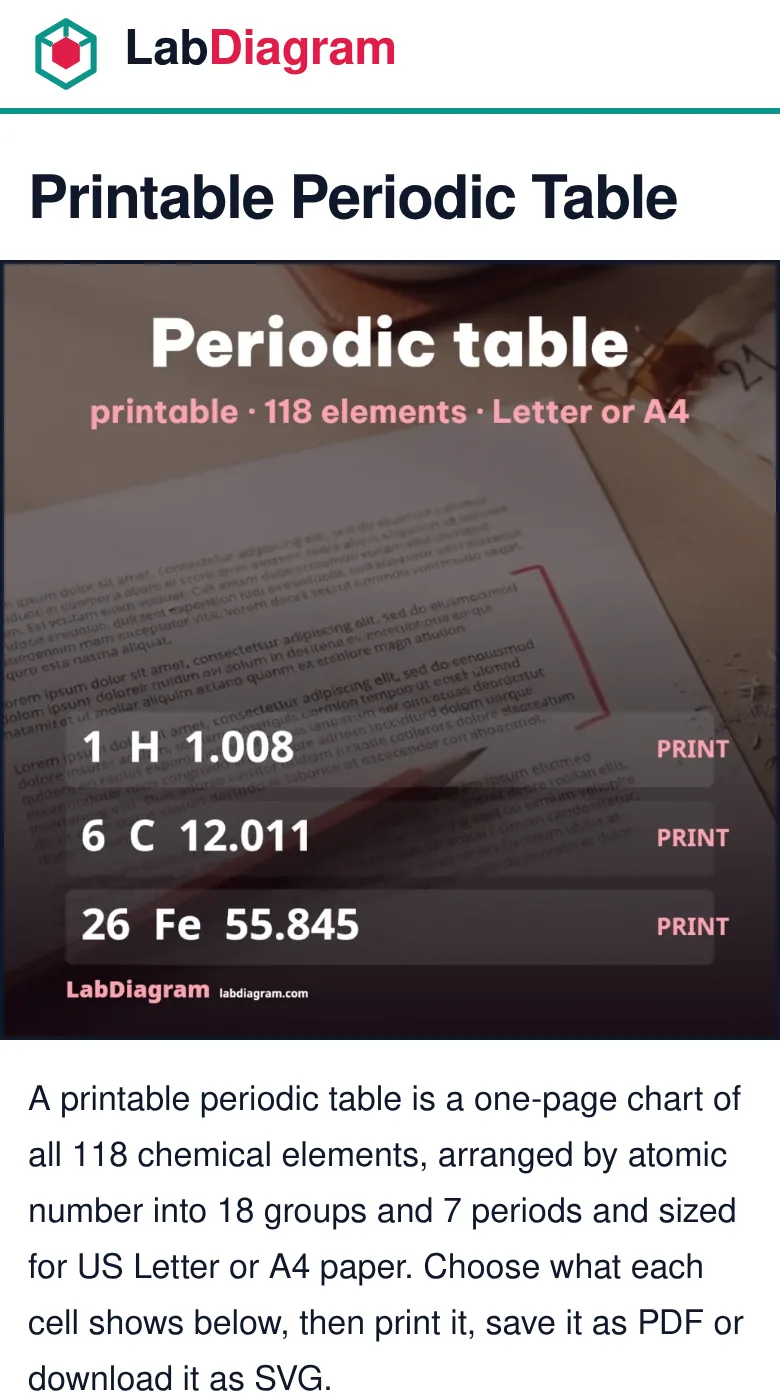
| Printable periodic table | Color or black and white, US Letter or A4, quiz sheet | All 118 elements to print, save as PDF or download as SVG |
| Molarity calculator | Mass, moles or volume, and a compound | Molarity, grams for a target solution, dilution volume (M1V1 = M2V2) |
| Density calculator | Two of mass, volume and density, with units | The third value in g/cm³, kg/m³ and lb/ft³ |
| Chart of electronegativity | Two elements | Pauling values, the difference and the bond type |
| Muscle diagram | A click on a muscle, front or back view | Where the muscle is and what it does |
Copy, read or print the result
Each result can be copied with one tap or printed from the browser; nothing you type is sent to an account. The printable periodic table also saves as PDF or downloads as SVG.
Results come from the input you give and from published references; check them where you will use them. Anatomy pages are educational, not medical advice.
Was this figure useful?
Mark it as passed, or send it back for revision with a short note.
Recorded. Thank you for the review.