Contact LabDiagram
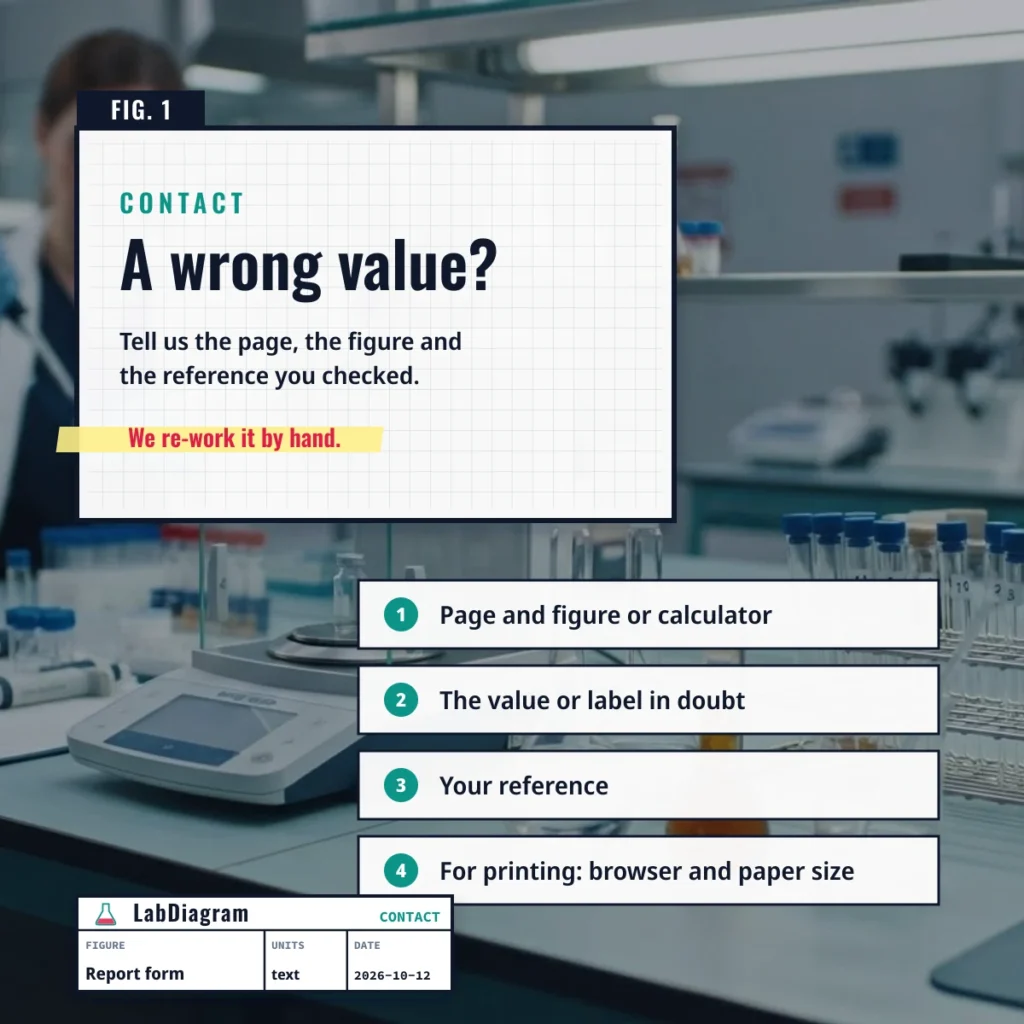
Spotted a wrong value, a mislabeled diagram or a sheet that prints badly? Use the review form at the bottom of this page and name the figure. LabDiagram has no public email inbox, so the form is how the team hears about corrections, and each reported value is re-worked by hand from the atomic weights shown on the page.
What to put in the note
- The page and the figure or calculator you used.
- The value or label you think is wrong, and the reference you checked it against.
- For printing problems: your browser and paper size.
Asking for a new figure
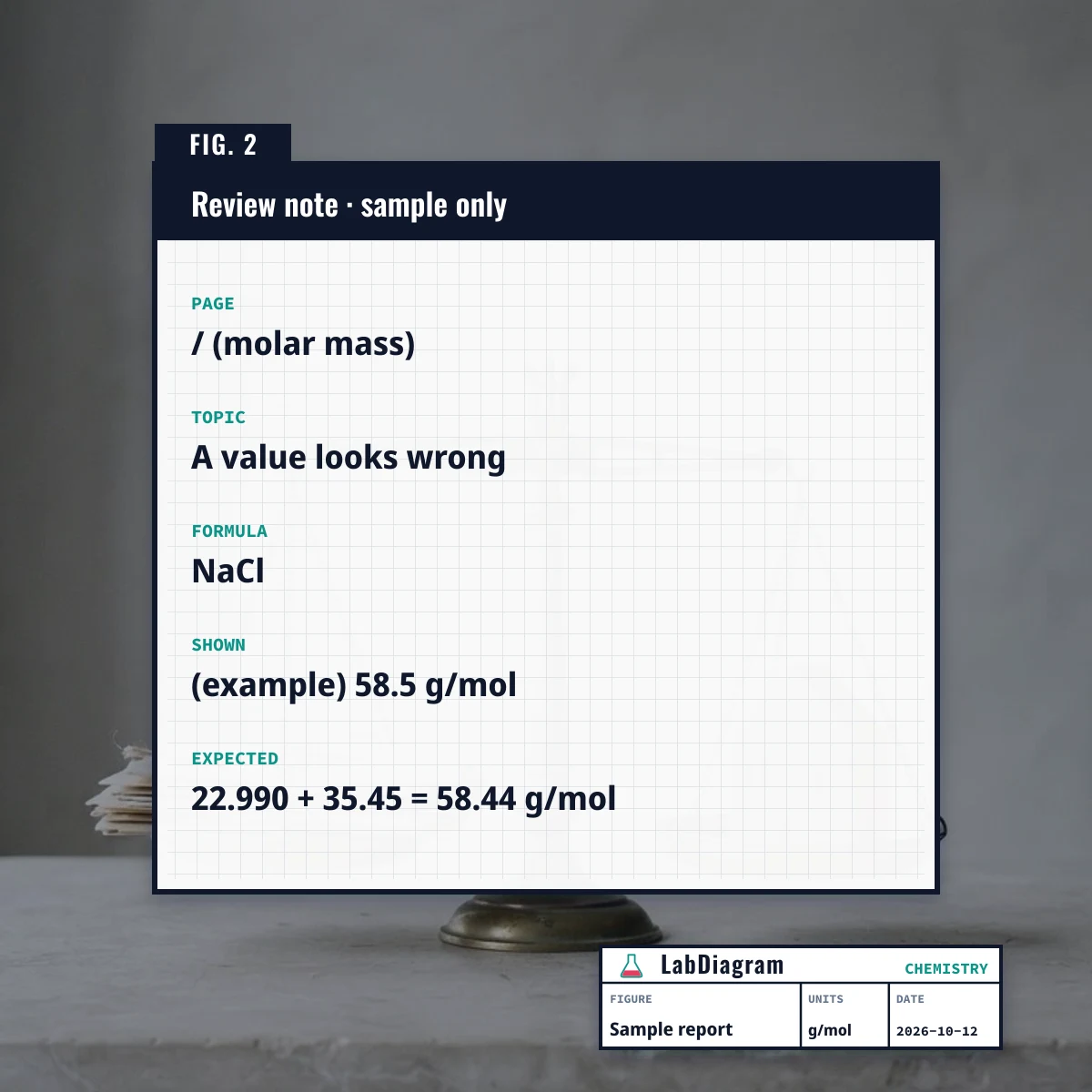
A figure is added when it can be drawn accurately and labeled from a standard source. Choose the topic “Missing an element or feature”, describe the subject and level, and read how LabDiagram draws and checks its figures first.
What the review form keeps
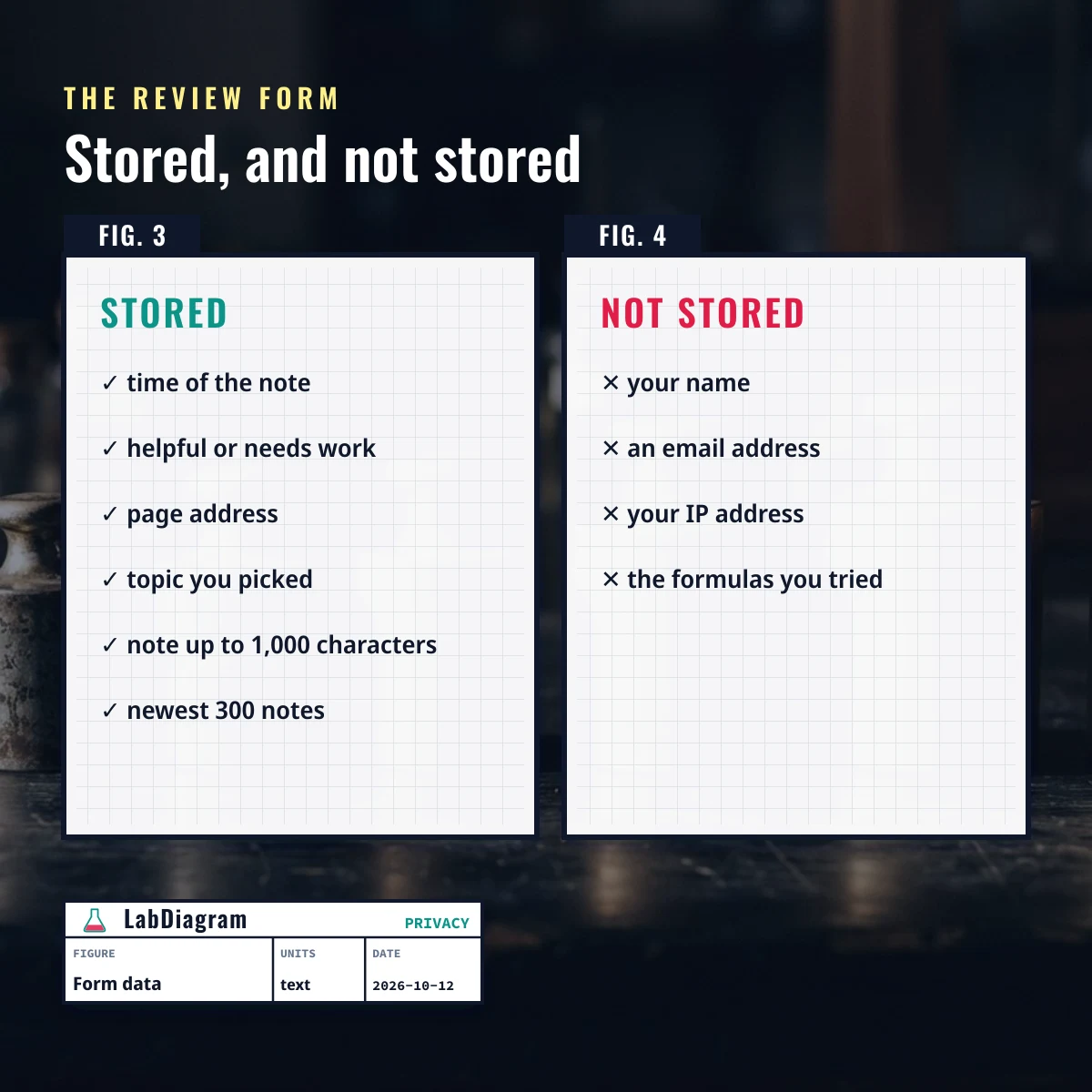
The form saves the time, whether you pressed helpful or needs improvement, the page address, the topic and any note up to 1,000 characters. It does not ask for a name or an email address and does not keep your IP address with the note. The newest 300 notes are kept, and the formulas you tried are never part of a note unless you type them in.
Rights and removal
To have a note deleted or to raise a rights concern about a figure, pick “Rights or removal request”, name the page and say what should change. Notes are anonymous, so a deletion is matched to the page and time you give.
Frequently asked questions
Will I get a reply?
No. The form stores no contact details, so notes cannot be answered one by one. A correction goes live on the page and its updated date moves.
Can you help with lab safety or identify a substance?
No. Ask your instructor or a qualified chemist. LabDiagram is a study aid.
Is my email address stored?
LabDiagram never asks for one. The privacy policy lists what is stored.
Back to the LabDiagram periodic table and molar mass calculator.
Was this figure useful?
Mark it as passed, or send it back for revision with a short note.
Recorded. Thank you for the review.